Show me what matters.
MagicRows makes sense of your spreadsheet and shows you where to look.
Free to start · No card needed · Works with Excel and CSV
Find the few rows that need you.

Too many to read one by one.
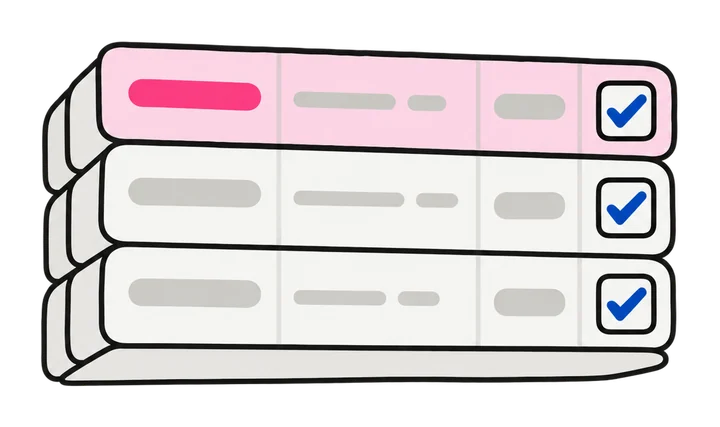
MagicRows highlights them. The rest can wait.
How it works
No formulas and nothing to set up. Just ask in your own words.
- STEP 1
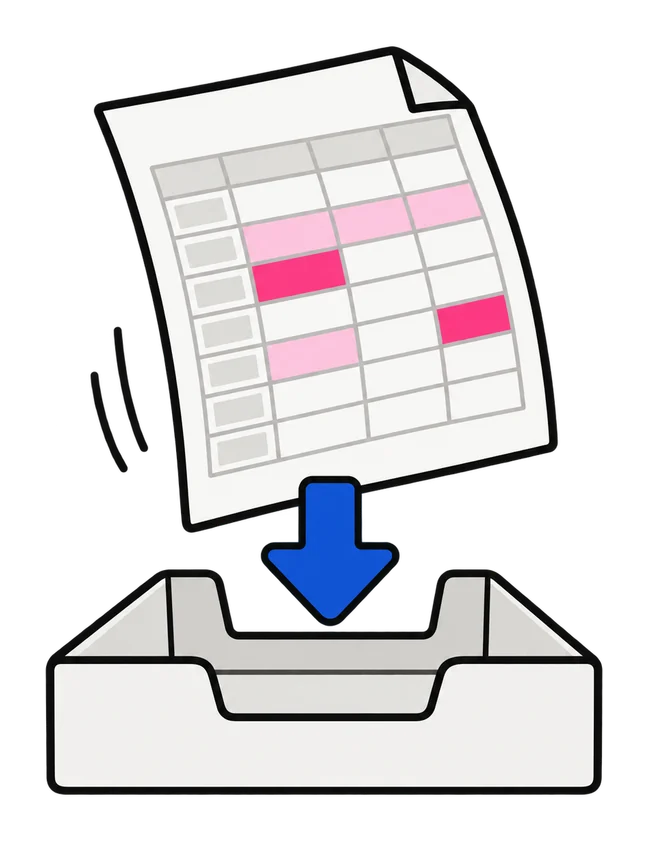
Upload your spreadsheet
An Excel or CSV file. Your data stays just as it is.
- STEP 2
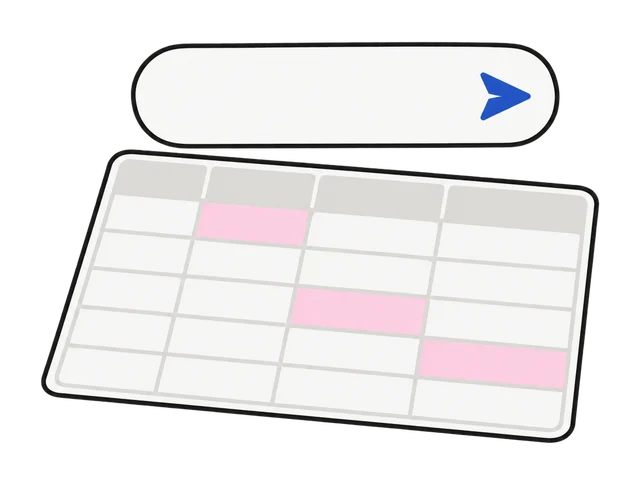
Ask a question
In your own words, like “Which of these are urgent?” or “Who should I call first?”
- STEP 3
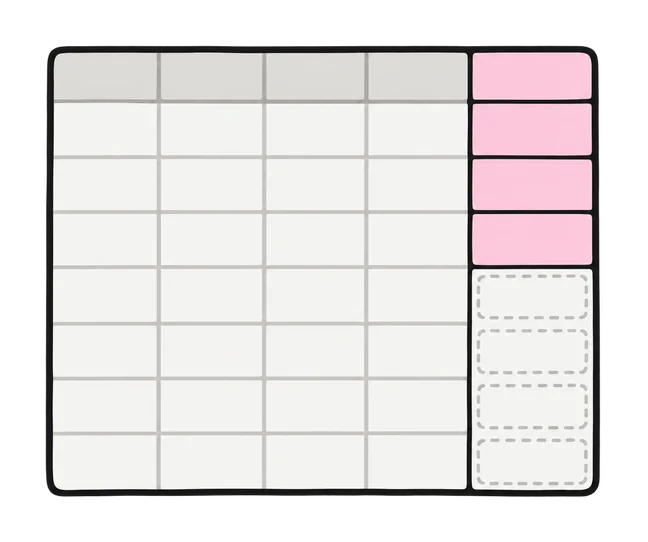
See what matters
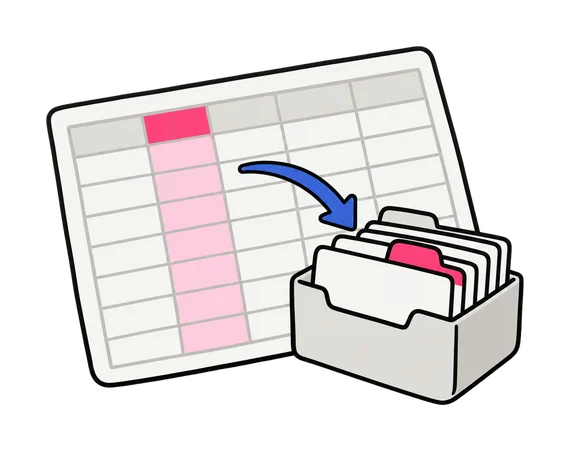
Each row gets an answer in a new column, and the important ones are highlighted. You can change any answer.
Works with any list
Customers, leads, support tickets, survey replies. If it’s too long to read yourself, MagicRows can help.
Sales leads
“Which leads are worth a call this week?”

Product reviews
“What is each review mostly about?”

Survey answers
“Which replies mention pricing?”
Support requests
“How urgent is each one?”
Job applicants
“Who has the skills we need?”
Meeting notes
“Who owns each action item?”

Event guest lists
“Who still needs a reminder?”
Members and donors
“Who should we thank first?”
Everything you’d expect from a spreadsheet
Edit, sort, use formulas and download, just like in Excel or Google Sheets.

Type, paste and fill
Edit any cell, add rows and columns, fill down. It works like the spreadsheets you know.

Formulas
Add up a column or calculate something from other columns.

Undo anything
Made a mistake? Undo it, as many times as you need.

Change any answer
Don’t agree? Change it with a click, and see which columns it looked at.

Download anytime
As Excel or CSV, with the new columns included.

Private by default
Only you, and the people you share it with, can open it in MagicRows.
Why not just ask a chatbot?
A chatbot only reads what you paste in, and its answers stay in the chat. MagicRows checks every row of your list the same way, and puts each answer right next to its row in your spreadsheet.
See what matters in your spreadsheet.
Upload it and get answers in about a minute. Free to start, no card needed.